


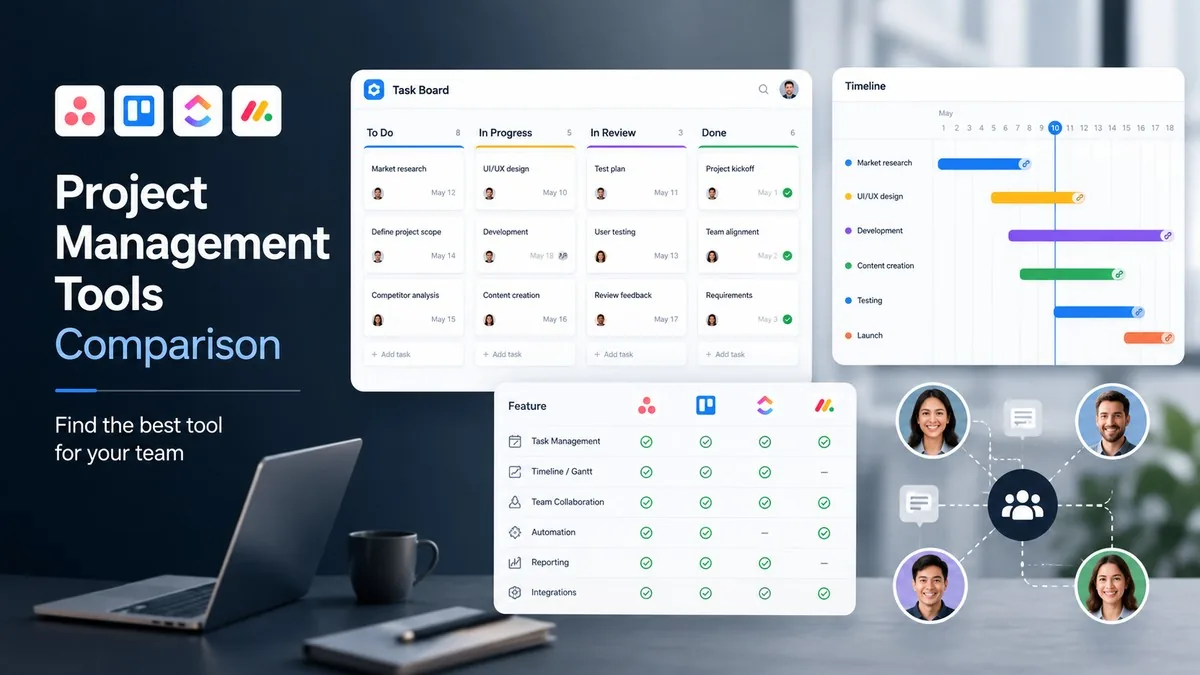
Project management software organizes tasks, timelines, and team communication in one workspace so teams meet deadlines without relying on email threads or spreadsheets. The 12 best project management software tools in 2026 are Asana, Monday.com, ClickUp, Jira, Trello, Notion, Basecamp, Wrike, Smartsheet, Linear, Teamwork, and Zoho Projects. Choosing among them depends on three attributes: team size, workflow type (agile sprints vs. cross-functional campaigns), and whether the team bills clients directly from task data.
12 Best Project Management Software Tools at a Glance
| Tool | Free Plan | Starting Price (per user/month, billed annually) | Best For |
|---|---|---|---|
| Asana | Yes (up to 10 users) | $10.99 | Cross-department workflows, mid-size teams |
| Monday.com | Yes (up to 2 users) | $9.00 | Visual project tracking, non-technical teams |
| ClickUp | Yes (unlimited members) | $7.00 | All-in-one teams replacing multiple tools |
| Jira | Yes (up to 10 users) | $7.75 | Software development sprints, agile teams |
| Trello | Yes (10 boards) | $5.00 | Small teams, Kanban workflows |
| Notion | Yes (individuals) | $10.00 | Docs and tasks combined, product teams |
| Basecamp | No (30-day trial) | $15.00 per user or $299/month flat | Client-facing agencies, flat-rate billing |
| Wrike | Yes (up to 5 users) | $9.80 | Enterprise project portfolios, PMOs |
| Smartsheet | No (30-day trial) | $9.00 | Spreadsheet-native teams migrating from Excel |
| Linear | Yes (250 issues) | $8.00 | Engineering teams, issue and sprint tracking |
| Teamwork | Yes (2 projects) | $5.99 | Agencies with client billing and time tracking |
| Zoho Projects | Yes (3 users, 2 projects) | $4.00 | Budget-conscious teams in the Zoho ecosystem |
Pricing verified July 2026 from each tool’s official pricing page. Annual billing rates applied where available.
1. Asana — Best for Cross-Department Workflows
Asana organizes work into projects, sections, and tasks, then lets teams switch between list, board, timeline, and calendar views without changing the underlying data. The free plan supports up to 10 users with unlimited projects. The Starter plan ($10.99/user/month, billed annually) adds workflow automation rules, timeline views, and reporting dashboards. Asana AI, available on paid plans, surfaces overdue tasks and generates task descriptions from existing project context.
2. Monday.com — Best for Visual Project Tracking
Monday.com builds workflows on a color-coded grid called a “monday board,” where each row is a task and columns are custom attributes such as status, owner, due date, or number. The free plan covers 2 users; the Basic plan ($9/user/month) allows unlimited viewers and file storage. According to Monday.com’s 2025 annual report, the platform serves over 225,000 customers across 200 countries. Monday AI can auto-generate task summaries and flag timeline bottlenecks based on due-date patterns.
3. ClickUp — Best All-in-One Tool
ClickUp combines tasks, docs, goals, whiteboards, and time tracking in one product, reducing the number of SaaS subscriptions a team requires. The free plan includes unlimited tasks, 100MB storage, and 5 collaborative spaces. The Unlimited plan ($7/user/month) removes storage caps and adds 1,000+ integrations including Slack, GitHub, and Google Drive. ClickUp Brain answers questions about any workspace item and drafts project status updates from task data.
4. Jira — Best for Software Development Teams
Jira, built by Atlassian, structures work as epics, stories, and subtasks—the standard hierarchy for agile software sprints. The free plan covers up to 10 users with unlimited projects and boards. The Standard plan ($7.75/user/month) adds audit logs, single sign-on, and project role permissions. Jira integrates natively with Confluence for documentation and Bitbucket for code review; the Atlassian Marketplace contains over 5,000 apps. According to Atlassian’s FY2025 results, Jira serves more than 300,000 companies.
5. Trello — Best for Kanban Simplicity
Trello implements the Kanban method directly—cards, lists, and boards—and adds no structural complexity beyond that model. The free plan allows unlimited cards on 10 boards per workspace. The Standard plan ($5/user/month) removes board limits and adds custom fields and card covers. Power-Ups (add-ons) connect Trello to Slack, Google Drive, and Salesforce. Atlassian owns Trello; its registered user base exceeded 50 million as of 2025.
6. Notion — Best for Combined Docs and Task Management
Notion stores project wikis, databases, and task boards in the same file structure, so teams can link a requirements document directly to the tasks implementing it. The free plan offers unlimited blocks for individuals with limited guest access. The Plus plan ($10/user/month) adds unlimited file uploads and 30-day version history. Notion AI ($8/month add-on) generates document summaries from meeting notes and drafts project briefs from bullet-point outlines.
7. Basecamp — Best Flat-Rate Billing for Agencies
Basecamp charges $299/month for the entire organization with unlimited users, rather than per seat, making it cost-effective for agencies with large client teams. Each project includes 6 tools: a message board, to-dos, docs and files, Campfire group chat, automatic check-ins, and a schedule. Basecamp does not offer a permanent free plan; a 30-day free trial is available. As of 2025, Basecamp reports more than 75,000 organizations use the platform.
8. Wrike — Best for Enterprise Project Portfolios
Wrike structures projects in a three-tier hierarchy—spaces, folders, and tasks—and adds cross-project analytics, time tracking, and resource management dashboards. The free plan covers 5 users; the Team plan ($9.80/user/month) is the first paid tier with unlimited projects and 2GB storage per user. Wrike AI predicts which tasks are likely to be late based on assignee workload patterns. Enterprise customers using Wrike include Google, Airbnb, and Dell Technologies, according to Wrike’s customer case studies.
9. Smartsheet — Best for Spreadsheet-Native Teams
Smartsheet presents projects in a grid that resembles a spreadsheet, reducing the learning curve for teams already managing work in Excel. Each sheet supports automation rules, Gantt chart views, and form-based intake—making the grid a live database rather than a static table. The Pro plan ($9/user/month) allows up to 10 users per account; the Business plan ($19/user/month) removes user limits and adds advanced reporting. Smartsheet does not offer a permanent free plan; a 30-day trial is available.
10. Linear — Best for Engineering Issue Tracking
Linear delivers a keyboard-first interface for software teams managing issues, sprints, and roadmaps, with sub-100ms response times measured by Linear’s own benchmarks. The free plan covers unlimited members and up to 250 issues. The Business plan ($8/user/month) removes the issue limit and adds roadmap timeline views. Linear syncs bidirectionally with GitHub and GitLab—closing a pull request in GitHub closes the linked Linear issue automatically. Linear customers include Vercel, Loom, and Mercury, according to Linear’s 2025 product blog.
11. Teamwork — Best for Client Project Billing
Teamwork combines project management with client invoicing, billable time tracking at the task level, and a client portal where external stakeholders view progress without requiring a paid seat. The Free plan supports 5 users and 2 active projects; the Starter plan ($5.99/user/month) allows unlimited projects. Teamwork’s retainer tracking feature calculates whether monthly client hours are on budget—a capability absent from Asana, ClickUp, and Monday.com at their base tiers.
12. Zoho Projects — Best Budget Option
Zoho Projects charges $4/user/month at the Premium tier—the lowest paid price among the 12 tools on this list—and includes Gantt charts, time logs, issue tracking, and integrations with the Zoho suite (CRM, Books, and Desk). The free plan supports 3 users and 2 projects. Zoho Projects is also bundled in Zoho One ($37/user/month), which includes 40+ business applications, making it the default choice for teams already using Zoho CRM or Zoho Books.
How to Choose the Best Project Management Software for Your Team
The best project management software matches three team variables: team size, workflow type, and ecosystem integration requirements. Teams of 10 or fewer with visual Kanban workflows choose Trello or Zoho Projects. Software teams managing agile sprints choose Jira or Linear. Teams replacing multiple tools with one platform choose ClickUp. Agencies billing clients against tracked time choose Teamwork. Organizations in the Atlassian ecosystem (Confluence, Bitbucket) stay with Jira to reduce integration overhead.
Project management software handles task scheduling, but teams also need tools that automate the work itself—such as AI-generated meeting summaries, customer outreach drafts, and data analysis. For a comparison of those tools, see 15 Best AI Tools for Business in 2026, which covers the AI software categories that complement project management platforms.
Frequently Asked Questions
What is the best free project management software?
ClickUp and Asana offer the most capable free tiers among project management tools. ClickUp’s free plan includes unlimited tasks, 100MB storage, and collaborative docs. Asana’s free plan supports up to 10 users with unlimited projects and task assignments. Both restrict automation rules and advanced reporting to paid plans.
How much does project management software cost?
Project management software costs $4 to $25 per user per month on paid plans as of July 2026. Zoho Projects ($4/user/month) and Trello ($5/user/month) are the most affordable entry points. Basecamp offers a flat $299/month plan regardless of team size, which is cost-effective for teams above 30 users. Enterprise plans from Wrike, Asana, and Monday.com require custom quotes.
What is the difference between Asana and Monday.com?
The difference between Asana and Monday.com is their default structure: Asana organizes work into projects and sections with a task-first hierarchy, while Monday.com builds on a flexible board where every column attribute is customizable. Asana’s timeline dependencies and reporting features are more developed at equivalent price points; Monday.com’s interface configures faster for non-technical teams.
Which project management software is best for small teams?
Trello, ClickUp, and Zoho Projects are best suited for small teams of 10 or fewer members. Trello suits teams with simple Kanban workflows such as editorial calendars or hiring pipelines. ClickUp suits teams needing tasks, docs, and time tracking in one tool. Zoho Projects suits teams already using Zoho CRM or Zoho Books. All three offer usable free plans with no credit card required.
Does project management software replace spreadsheets?
Project management software replaces spreadsheets for task assignment, deadline tracking, and team communication, but not for financial modeling or complex data analysis. Smartsheet is the closest equivalent to a spreadsheet, presenting tasks in a live grid with automation rules. Teams that analyze project data in Excel typically continue using spreadsheets alongside a project management tool rather than replacing them entirely.


