


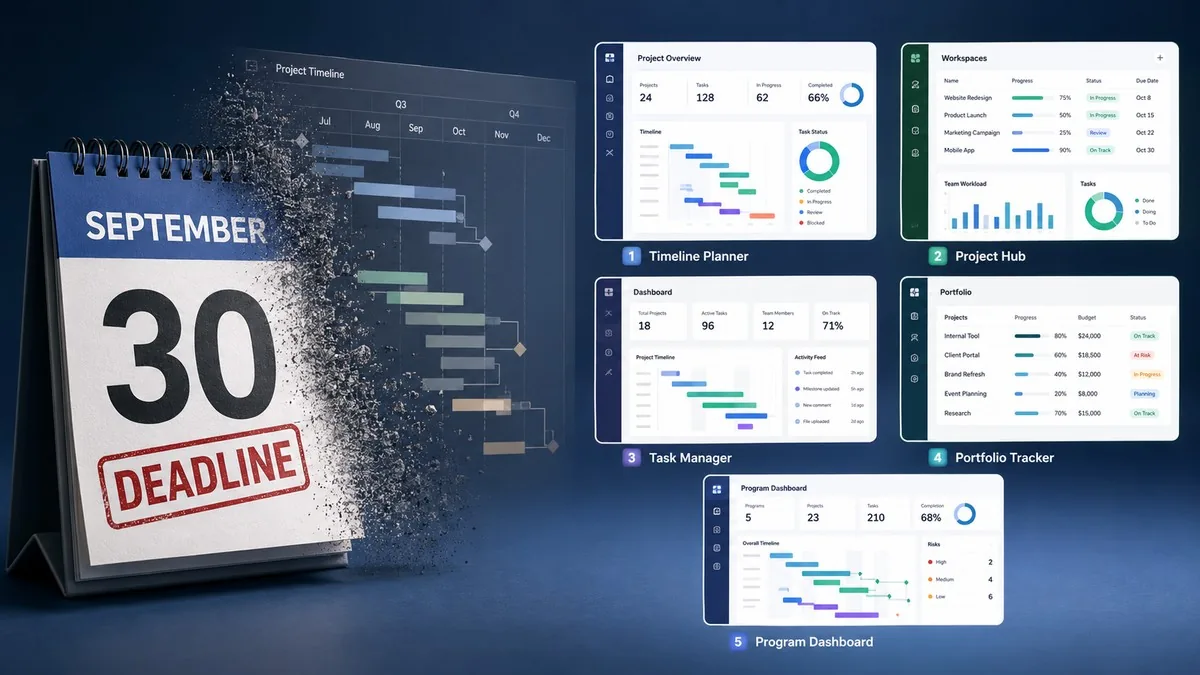
24 days remain before Microsoft Project Online shuts down permanently on September 30, 2026. Every organization still running Project Online must export its data and select a replacement before that date — no grace period exists and no data recovery is available after shutdown.
Microsoft Project Online is a cloud-based enterprise project management service built on SharePoint that Microsoft is retiring on September 30, 2026, citing the platform’s legacy architecture as the reason. Project Web App and every project stored in it become completely inaccessible after that date. Microsoft ended new license sales for Project Online on October 1, 2025.
The retirement affects Project Web App tenants inside Microsoft 365, not the desktop client: Microsoft Project Standard and Microsoft Project Professional are explicitly excluded. Enterprise PMO teams running multi-project portfolios with resource optimization and cost tracking are the most exposed group, because Microsoft’s own successor products do not carry those features forward.
“Legacy architecture (built on older SharePoint workflows) limits our ability to deliver modern, AI-powered experiences.” — Microsoft, official statement on the Project Online retirement
What Happens to Project Online Data After September 30
Project Online users lose access to Project Web App and every project stored in it on September 30, 2026. Users cannot log in, cannot open projects, and cannot extract data after that date. Microsoft partner The Project Group states the outcome plainly: “Your projects and data will be inaccessible.”
Microsoft has not published a data retention policy covering the period after the shutdown, so a full export before the deadline is the only reliable action. Export targets include project schedules, task and assignment records, resource pools, timesheet history, and custom field configurations.
Why Project for the Web Is Not a Full Replacement
Project for the web, Microsoft’s recommended successor, caps each project at 3,000 tasks and drops three capability sets that Project Online delivered: multiple baselines, advanced scheduling with critical-path constraints, and advanced resource optimization. Portfolio-level teams therefore lose the exact features that justified Project Online.
Microsoft offers three in-house migration paths besides Project for the web: Microsoft Planner Premium, which adds baselines, dependencies, Gantt charts, and Microsoft 365 Copilot assistants; Project Server Subscription Edition, the on-premises equivalent for organizations that can run their own servers; and Dynamics 365 Project Operations, which combines project delivery with billing and resourcing inside Dynamics. None of the three is a drop-in restore of a Project Online tenant, and each carries its own licensing and migration project.
Planner Premium specifically lacks portfolio governance, resource leveling, and financial tracking — the three capabilities that define enterprise project management, according to Smartsheet’s migration guide for Microsoft Project users. Organizations that relied on Project Online’s full feature set will find Planner Premium insufficient as a direct replacement.
5 Microsoft Project Online Alternatives Compared
Five third-party platforms appear consistently across Project Online migration coverage as replacements: Celoxis, Smartsheet, ClickUp, Monday.com, and Trello. The table below compares free-plan availability, entry pricing, and the team profile each tool fits.
| Tool | Free plan | Starting price (per user/month) | Best for |
|---|---|---|---|
| Celoxis | No | $10.00 | PMO teams needing MPP/XML import from Microsoft Project |
| Smartsheet | No (30-day trial) | $9.00 | Spreadsheet-native portfolios and resource tracking |
| ClickUp | Yes (unlimited members) | $7.00 | Teams consolidating tasks, docs, and time tracking |
| Monday.com | Yes (up to 2 users) | $9.00 | Non-technical teams needing visual project tracking |
| Trello | Yes (10 boards) | $5.00 | Small teams running simple Kanban workflows |
Celoxis pricing comes from Celoxis’s own migration guide; the remaining four figures were verified from official pricing pages in September 2026 and use annual-billing rates.
Celoxis ($10/user/month) imports Microsoft Project files in MPP and XML format, which shortens migration for teams with years of existing schedules. Smartsheet ($9/user/month) presents projects in a grid that matches how Project Online power users already work in Excel. ClickUp ($7/user/month) replaces several subscriptions at once, at the cost of a longer configuration period. Monday.com ($9/user/month) gets a working tracker live fastest for teams without a dedicated project manager. Trello ($5/user/month) suits teams whose Project Online usage never went beyond task lists. For the full evaluation of these platforms alongside Asana, Jira, Wrike, and seven others, see our guide to the 12 best project management software tools in 2026.
What Project Online Teams Should Do Before the Deadline
Teams still on Project Online should complete five steps before September 30, 2026, in this order.
- Export every project schedule, resource pool, timesheet record, and custom field configuration out of Project Web App.
- Inventory the Project Online features the organization actually uses, separating baselines and critical-path scheduling from basic task tracking.
- Shortlist two or three replacements that cover the inventoried features, including at least one Microsoft-native option.
- Run a pilot on one live project with the real schedule imported, not a sample dataset.
- Migrate the remaining portfolios and train users before the shutdown date.
Frequently Asked Questions
When does Microsoft Project Online shut down?
Microsoft Project Online shuts down on September 30, 2026. After that date, Project Web App and all project data become completely inaccessible with no grace period. Organizations have 24 days from September 7, 2026 to export data and migrate to an alternative platform.
What is the difference between Project Online and Project for the Web?
Project Online is a full-featured cloud enterprise project management service built on SharePoint that supports multiple baselines, advanced resource optimization, and portfolio governance across unlimited tasks. Project for the Web is Microsoft’s newer successor that caps projects at 3,000 tasks and omits multiple baselines, critical-path constraints, and advanced resource optimization.
Is Microsoft Planner Premium a replacement for Project Online?
Microsoft Planner Premium is not a full replacement for Project Online. Planner Premium adds baselines, Gantt charts, and dependencies, but lacks portfolio governance, resource leveling, and financial tracking — three core capabilities that enterprise PMO teams relied on in Project Online. Teams with complex portfolio requirements need a third-party alternative such as Celoxis or Smartsheet.
What is the cheapest Microsoft Project Online alternative?
Trello is the cheapest paid Microsoft Project Online alternative at $5 per user per month (annual billing), with a free plan supporting up to 10 boards. ClickUp at $7 per user per month offers a broader feature set, including unlimited tasks, time tracking, and 1,000 automation runs per month. Both tools suit teams that used Project Online primarily for task tracking rather than portfolio governance.
How do I export data from Microsoft Project Online before shutdown?
Export data from Project Online by opening Project Web App, navigating to Server Settings, and using the Project Data Export function to download each project as an MPP or XML file. Export resource pools, timesheet history, and custom field configurations separately. Microsoft recommends completing the export before September 30, 2026, because no data recovery mechanism exists after the shutdown date.
For Context: Microsoft’s AI-First Productivity Shift
The Project Online retirement follows the logic Microsoft applied across its productivity stack through 2026: retire SharePoint-era architecture, then rebuild the capability on a Copilot-native foundation. Our earlier reporting on Microsoft 365 Copilot adding GPT-5.6 and Claude as selectable models covers the model layer behind that shift, and our coverage of Copilot Studio’s AI workflow designer going live for all users covers the automation layer Planner Premium now inherits.
Dynamics 365 Project Operations, one of the three Microsoft migration paths, sits inside that same Copilot estate — see our report on Microsoft Copilot in Dynamics 365 closing cases autonomously.
Sources: Celoxis, Epicflow, Smartsheet


